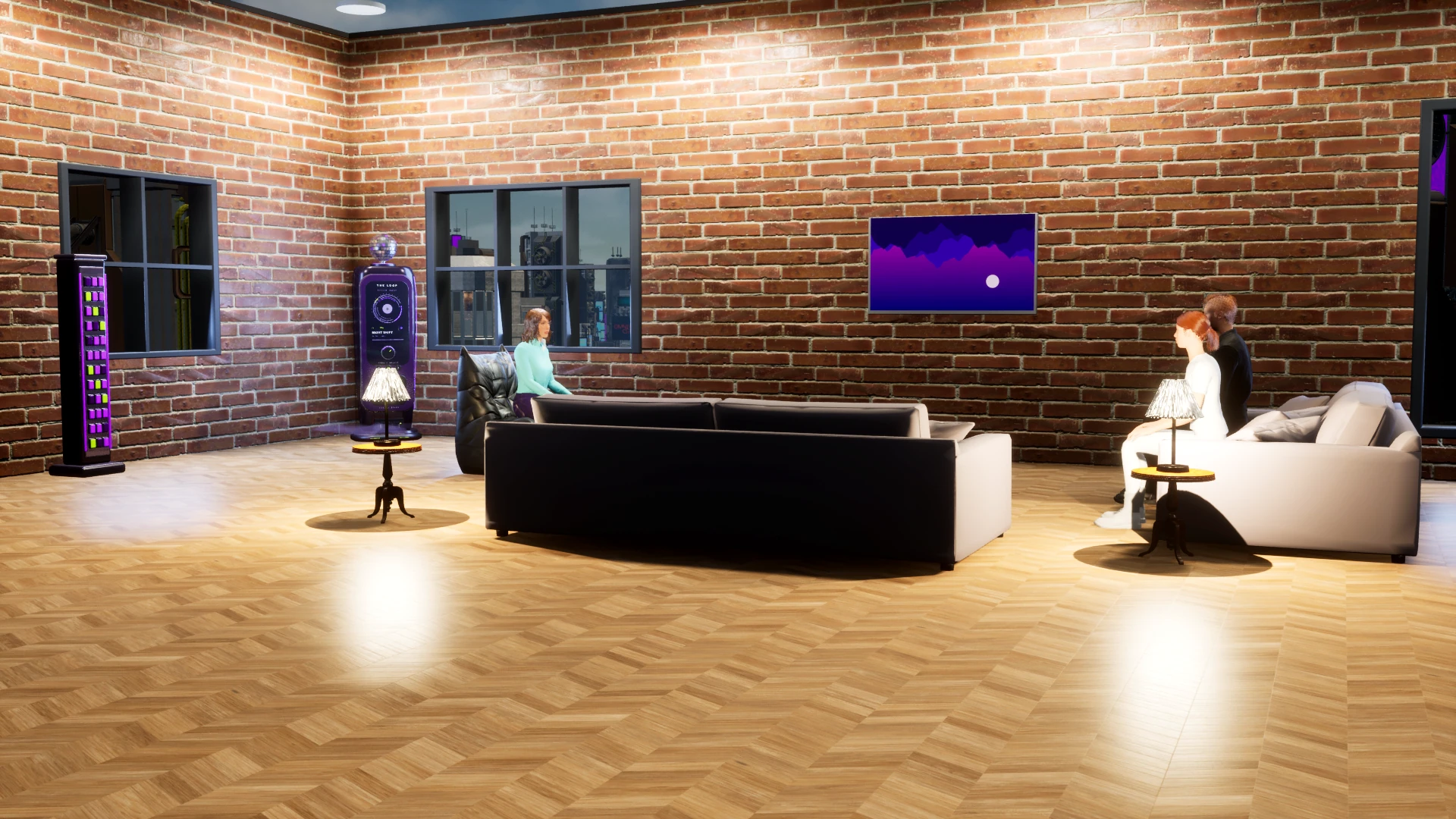

Brick lounge with Digizens seated together

The OmniFolks

Your omnifolk life with room to grow.

Become an Omnifolk and build a digital extension of your real life. Bring your style, friends, and ideas into a pad of your own. Go live, publish to The Loop, and share your favorite moments on your social feeds.

Create your Omnifolk

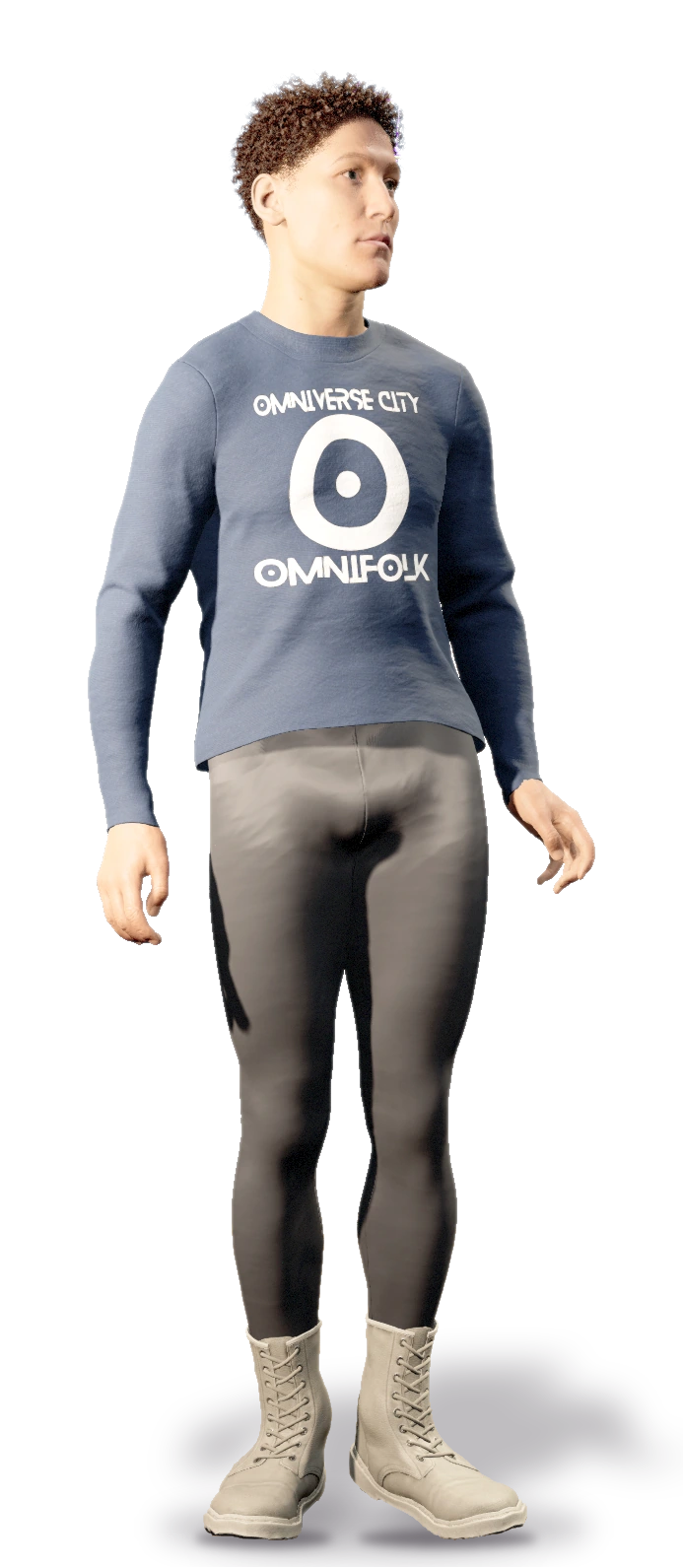
Give your digital self a face, a wardrobe, and a style that feels like you. Snap a selfie and share it wherever your friends are.

Shop More Clothes

Design your pad

Turn an empty room into your own place. Mix furniture, artwork, lighting, and finishes, then visit other players’ pads for inspiration.

Shop More Furniture

Meet the DigOzens. Invite your friends.

Get to know your AI neighbors, hear their stories, and take on missions together. Make new friends in other players’ pads, or upgrade your license to host more guests in yours.

Go live. Watch The Loop.

Go live from your desk, switch between room cameras, and watch other players’ live streams on The Loop from your in-room TV.

Share an OmniFolks photo

In the game, open MultiPass → Camera → Open Photos. Choose a saved photo to share.

Photos you add here are saved in this browser.

Explore Online Rooms

Open MultiPass → Travel in The OmniFolks. Sign in with Epic if prompted, then browse Online Rooms. Select a pad and knock. If you have an invite link or code, paste it into the Travel search box.

The OmniFolks

Download for Windows

System requirements

  • Windows 10 or 11, 64-bit
  • DirectX 12 capable graphics
  • Recommended for this alpha: six-core CPU, 16 GB RAM, and a dedicated GPU with 8 GB VRAM
  • 50 GB of free SSD space recommended for downloading, extracting, and installing
  • Internet access for multiplayer and online features

After you download

  1. Extract the entire ZIP into one folder.
  2. Run the Windows Setup program in the extracted folder. Leave the InstallerData folder beside it.
  3. Follow Setup to install or update the game, then launch The OmniFolks from the Start menu.

Windows Alpha Dev Notes